
Download NolaPro – accounting software, inventory management, payroll processing, business tools, financial reporting
Overview
NolaPro is a comprehensive web-based accounting suite designed to support businesses in managing their financial operations with precision and efficiency. Tailored for organizations seeking to centralize accounting, inventory, payroll, and reporting functions, NolaPro serves as a unified platform for streamlined business administration. Its core purpose lies in reducing administrative overhead by automating key financial processes, enabling users to maintain real-time visibility into their company’s financial health.
Target users include small to mid-sized enterprises, independent professionals, and growing businesses across diverse industries such as retail, manufacturing, and services. The software is particularly beneficial for teams managing complex inventory systems, frequent payroll cycles, or requiring detailed financial reporting for compliance and strategic planning. While the developer, NolaPro Inc., is not further detailed in the provided data, the software’s structure suggests a focus on reliability, scalability, and ease of integration.
Real-world applications include managing accounts payable and receivable, tracking stock levels across multiple locations, processing employee compensation with regulatory adherence, and generating audit-ready financial statements. By offering a centralized digital workspace accessible from any PC, NolaPro enhances collaboration and reduces errors associated with manual recordkeeping. In the broader app ecosystem, it stands out as a specialized tool for business professionals who require robust, secure, and scalable financial management capabilities without relying on multiple fragmented systems.
Key Features & Functionality
- Comprehensive Accounting Tools: NolaPro includes built-in functionalities for billing, accounts payable, and financial reporting, allowing users to maintain accurate books and generate real-time financial summaries. This supports informed decision-making and compliance with financial standards.
- Inventory Management Modules: Optional modules enable businesses to monitor stock levels, track purchase orders, and manage product lifecycles. This helps prevent overstocking or stockouts, improving operational efficiency.
- Payroll Management Features: The software simplifies payroll processing by automating calculations, tax withholdings, and payment scheduling. This ensures timely and accurate compensation while maintaining regulatory compliance.
- QuickBooks Data Converter: A dedicated tool facilitates seamless migration from QuickBooks, preserving historical data and minimizing downtime during software transitions.
- Scalable Architecture: Designed to adapt to businesses of varying sizes and sectors, NolaPro offers flexibility in deployment and feature access, making it suitable for startups as well as established enterprises.
For example, a retail business can use the inventory module to track product movement across warehouses, while simultaneously processing payroll for seasonal staff. A service-based firm might leverage the reporting tools to generate monthly profit-and-loss statements for investors. The integration of these features into a single platform reduces the need for third-party tools, enhancing data consistency and workflow coherence.
Interface, UX & Performance
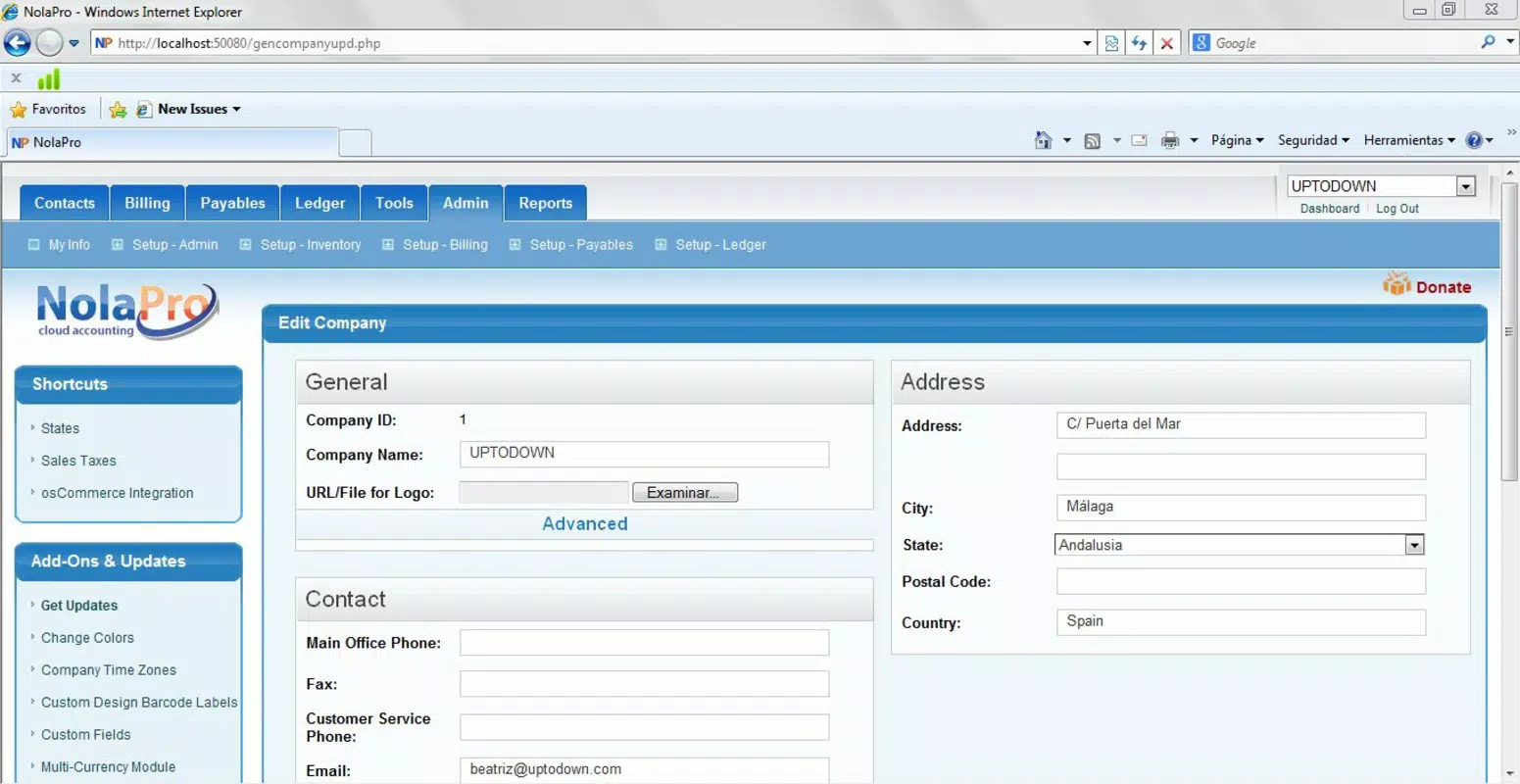
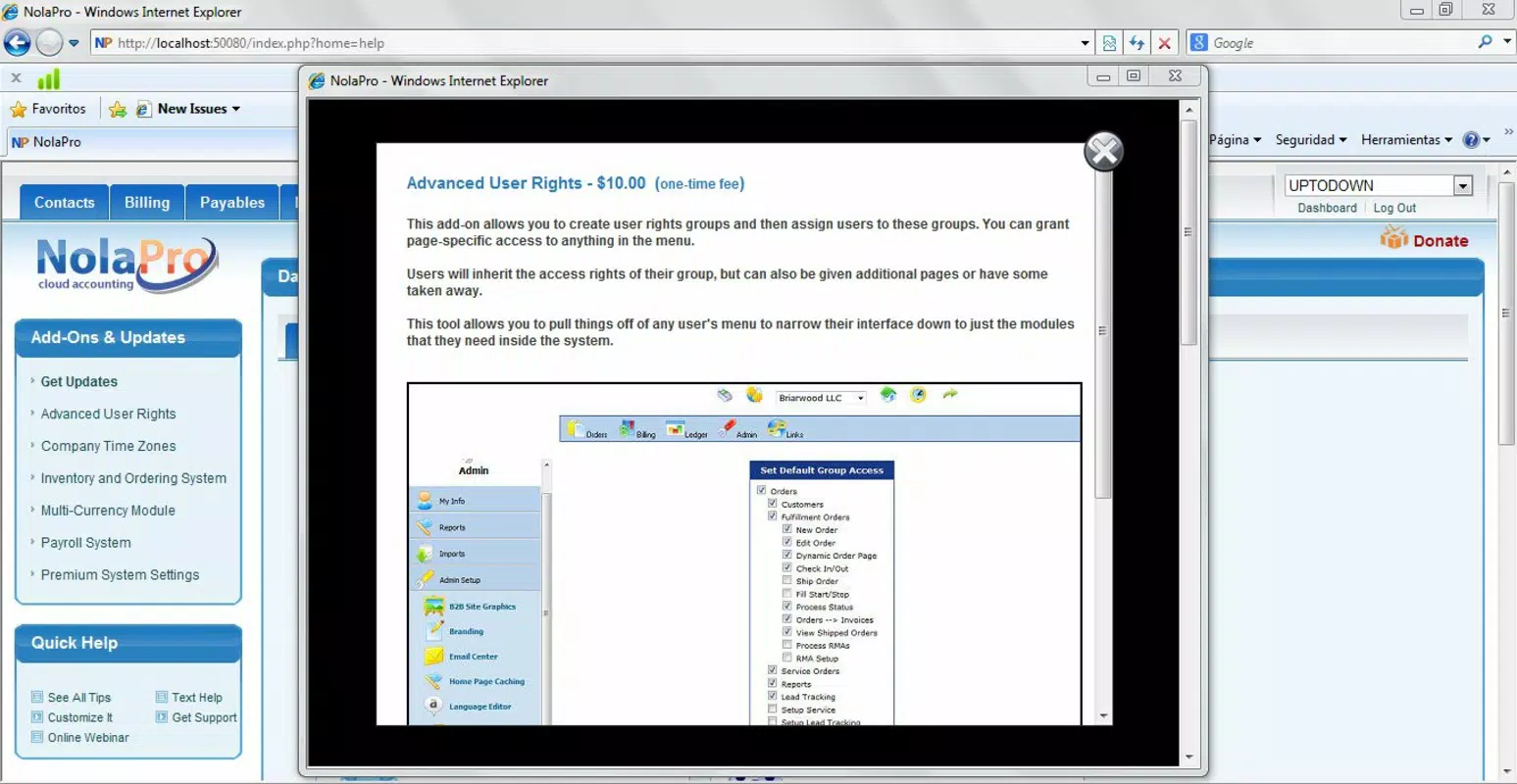
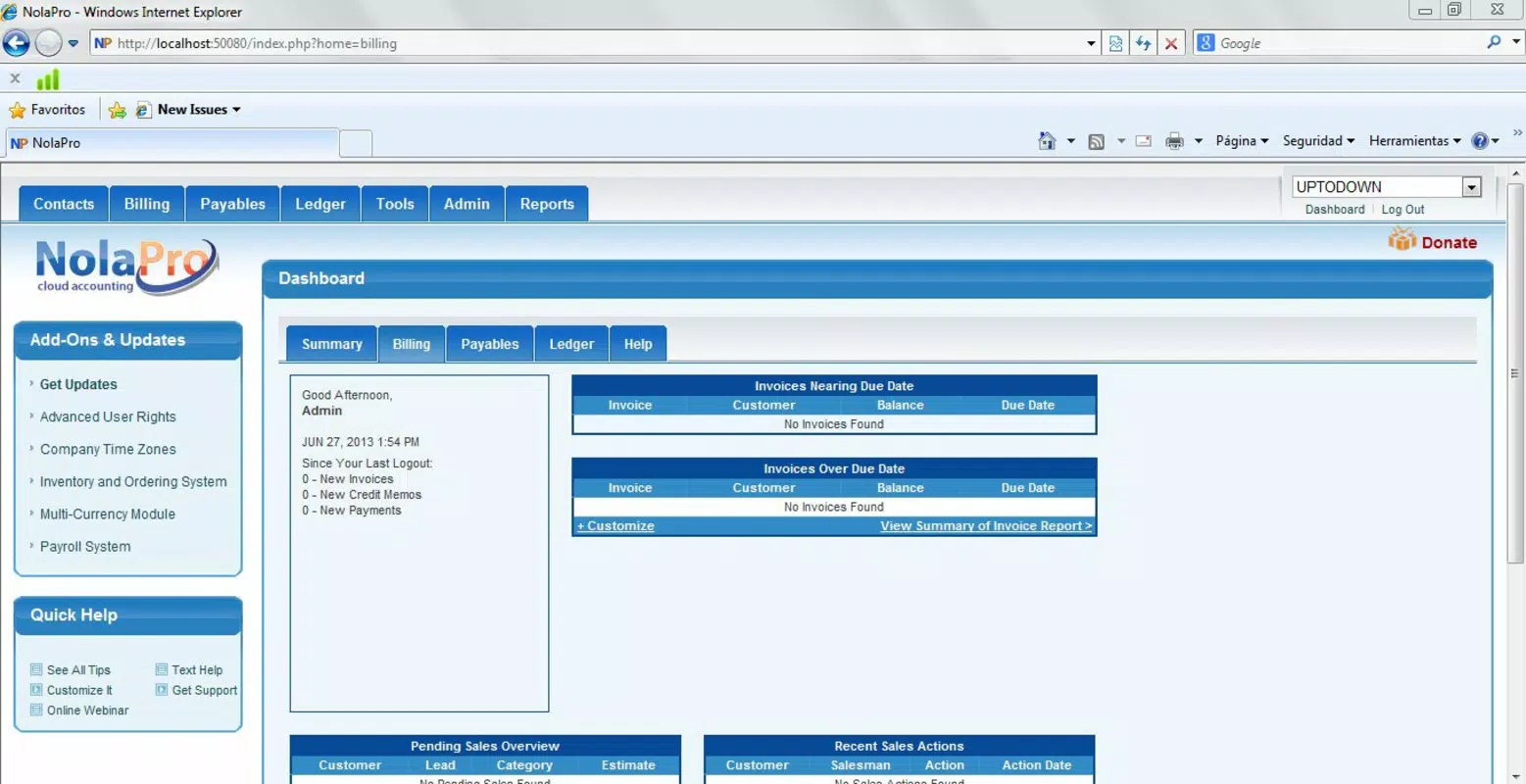
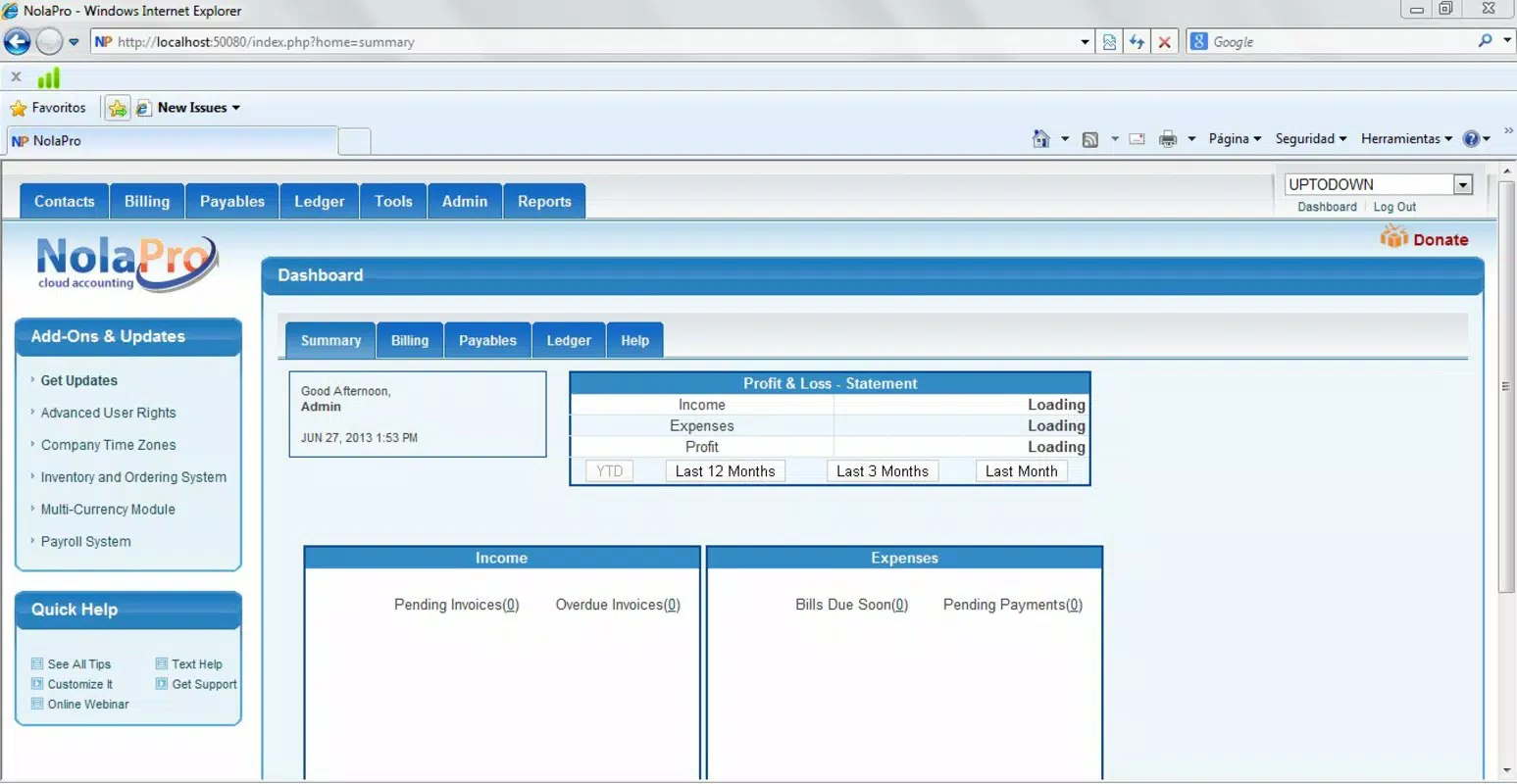
NolaPro operates as a web-based application, meaning it relies on a browser interface rather than a native mobile app. The user interface is structured to support complex business workflows, with clearly labeled navigation panels and dashboard views for key metrics. While the developer did not provide detailed information on visual design or layout specifics, the emphasis on functionality suggests a professional, data-driven interface optimized for productivity.
Navigation appears to follow a logical hierarchy, allowing users to access accounting, inventory, payroll, and reporting sections with minimal clicks. The responsiveness of the interface across different screen sizes is not specified, but as a web-based tool, it is expected to adapt to various display environments. Performance is likely dependent on the user’s internet connection and device capabilities, with no formal metrics provided.
Although the developer did not list formal performance metrics, the software’s focus on real-time data processing implies a stable backend infrastructure. Users can expect consistent access to financial data and reporting tools, with minimal downtime. Stability during high-volume operations such as month-end closing or payroll processing remains unverified, but the platform’s design suggests resilience for typical business workloads.
Platform Compatibility & Technical Requirements
NolaPro is a web-based application, accessible through any modern web browser on desktop or tablet devices. It does not require a dedicated mobile app for operation, though it may be usable on smartphones with browser support. The platform is compatible with major operating systems including Windows, macOS, and various Linux distributions, though specific OS requirements were not listed.
The software has a file size of 125 MB, which likely refers to the installation footprint of the web application’s core components or associated tools. This size is modest for a business suite of its complexity. The version released on April 8, 2025, is the latest available, and users are advised to keep their access current to benefit from updates and security patches.
The developer did not specify minimum OS requirements, browser compatibility, or hardware specifications. As such, users should ensure their system meets general web application standards, including a stable internet connection and updated browser software. Compatibility with mobile devices is not explicitly confirmed, but web access remains the primary delivery method.
Pros and Cons
Pros
- Comprehensive suite combining accounting, inventory, and payroll in one platform
- Web-based access enables remote work and multi-device compatibility
- QuickBooks data converter supports smooth migration for existing users
- Scalable design suitable for businesses of varying sizes and industries
- Real-time financial reporting enhances decision-making and transparency
Cons
- No native mobile app available; reliance on browser access only
- Specific system requirements and browser compatibility not disclosed
- Price point of $199.00 may be high for very small businesses or sole proprietors
- Performance may vary based on internet speed and device capabilities
- Limited information on technical support or user onboarding resources
FAQ
Is NolaPro available as a mobile app?
NolaPro is a web-based application. While it can be accessed via mobile browsers, there is no dedicated native mobile app currently available.
Can I migrate data from QuickBooks to NolaPro?
Yes. NolaPro includes a built-in QuickBooks converter tool that allows users to transfer historical financial data seamlessly during setup.
What operating systems does NolaPro support?
NolaPro is web-based and compatible with major operating systems, including Windows, macOS, and Linux. Specific OS requirements were not provided by the developer.
Is NolaPro secure for handling sensitive financial data?
As a web-based accounting platform, NolaPro is designed to handle sensitive business information securely. Users are advised to use strong authentication and secure internet connections when accessing the system.
How often are updates released for NolaPro?
The latest version was released on April 8, 2025. While the update frequency is not specified, users are encouraged to maintain access to the most current version for optimal performance and security.
Final Thoughts + CTA
NolaPro presents a powerful, integrated solution for businesses seeking to streamline financial management, inventory tracking, and payroll processing in a single, accessible platform. Its web-based architecture ensures flexibility for remote teams and multi-location operations, while its robust feature set supports both day-to-day operations and long-term strategic planning. The inclusion of a QuickBooks converter adds significant value for users transitioning from legacy systems.
While the absence of a native mobile app and the lack of detailed technical specifications may pose challenges for some users, the software’s core strengths lie in its scalability, data integrity, and comprehensive functionality. It is particularly well-suited for small to mid-sized enterprises in retail, manufacturing, and service sectors that require reliable, audit-ready financial tools.
For businesses aiming to reduce administrative burden and improve financial visibility, NolaPro offers a compelling value proposition. With its secure, real-time data access and modular design, it stands as a professional-grade tool in the business software landscape.
Download NolaPro now


